Introducing quake-frame.el: My Take on a Terminal Visor, But Running Emacs
I noticed that in all terminal emulators I tried (iTerm, Ghostty, kitty), I rely on a system-global shortcut to show me a session that I use whenever I need to terminalize something right now, right there, like ffmpeg something or bulk delete with a pattern or convertmagick an image. I had this for ages, and I miss it when it’s not there.
I’ve had iTerm show this in the style of a classic Quake Console – yes, from the game; a console that slides in from the top of the screen, and which in games I mostly used for cheat codes. I used this a lot in Unreal to make the intro cinematic interactive and play in that cool castle. (Ghostty has settings that made the sizing a bit trickier but workable. But eventually Kitty’s settings convinced me to try a centered window instead of one sticking to the top. Kitty also convinced me of making the console not hide automatically when it loses focus, which makes pasting into it much nicer.)
A couple of week after trying terminal emulators, I inevitably wonder why I’m spawning a window that only shows zsh when so many file operations and image manipulation and … well, basically everything is nicer in Emacs.
Wouldn’t it be possible to dedicate a GUI window just to this purpose?
So here we are. It’s possible, and now it’s a package.
It took me a few hours to over-engineer a spec-driven approach to make this possible with the help of LLM’s, Claude Code in particular. I archived the whole history of the thought-process of planning and then let Claude Code orchestrate an implementation with subagents in ~50min while I went groceries shopping with my daughter. The whole process taught me how to make named Emacs daemon (aka server) sessions and use them in end-to-end testing without interfering with my own setup. I learned a bit about how Emacs frames can be configured. And it renewed my love for Emacs and its malleability – there were so many cool alternatives to implement the same feature along the way that it sometimes was genuinely hard to pick a path!
Having a stochastic apparatus come up with fringe ideas to use and configure the package made me curious to try a couple of these myself, too. So all in all, the Claude Code driven experience was a success for me.
I even like the tagline that was generated:
Press a key. Get Emacs. Press again. It’s gone.
That’s it.
Get the quake-frame.el package from Codeberg:
https://codeberg.org/ctietze/quake-frame.el
Note: I only tested this on macOS because I don’t have a Linux with any GUI ready at the moment.
Extensive documentation in the readme will tell you how to configure things, and it comes with recipes to get you started quickly.
Unlike other visor-style packages that existed already, this one is not animating anything. You could get transparency if you want with a simple tweak.
I still stick to the center location with a slight offset. I believe there’s value in caring for small UI details like this, to nudge the window a couple of percentage points off center. The window sizing should just work and make sense and do the right thing.
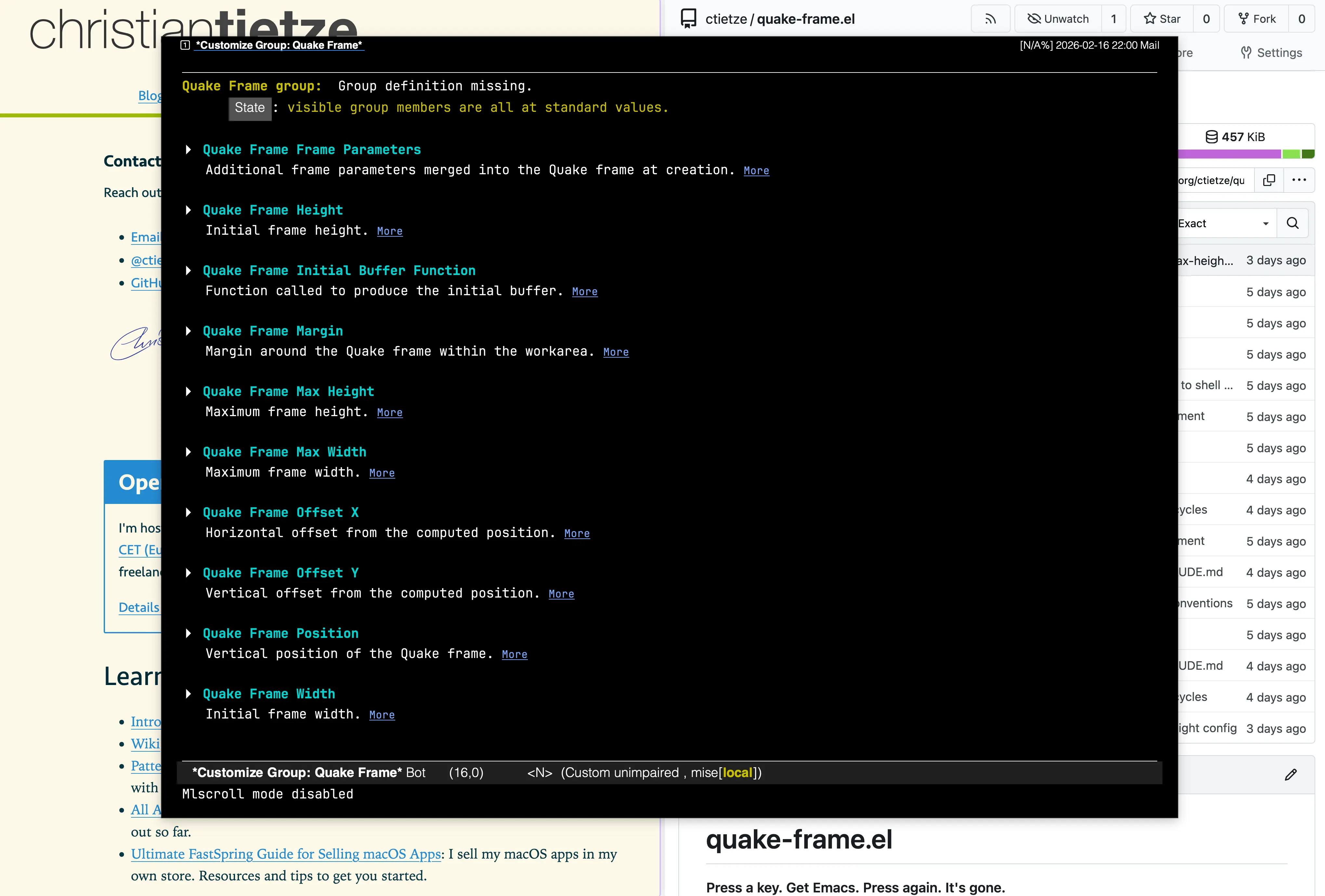
The customize group is self-documenting and covers all the settings.
You can reset the frame when you dismiss it, or restore whatever was inside. You could force it to always show your favorite eshell session.
In the end, it’s just managing a GUI window for you so that you can bind a system-global hotkey to it. (I use Keyboard Maestro on Mac.)