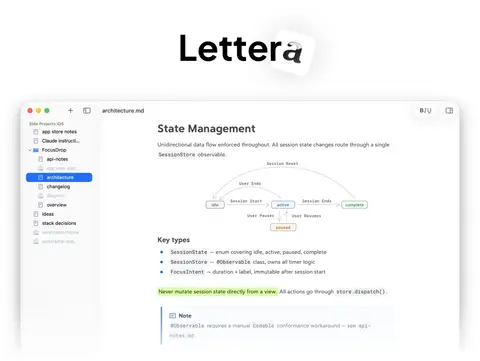
Lettera: A Refined Markdown Document Editor

For a while now I’ve been working with the people at Shiny Frog – the team behind Bear – on something new. Today it goes into beta testing.
It’s called Lettera, and it’s a Markdown editor for macOS.

Here’s the short version: take the editor you know from Bear – the live styling, the tables, the inline images, code, and math, the whole feel of writing in it – and point it at your own files instead of a shared database. It’s just plain .md files, sitting in folders on your disk. It’s the stuff I like.
You open a single file for a quick edit, and it’s just that file. Or you open a folder and get a sidebar listing of the directory tree, a whole workspace so you can move between documents without leaving the app. Either way, what you edit is the file itself. Rename it in Finder, move it around, sync it however you like – Lettera follows along instead of fighting you.
For someone who lives in plain text and cares a great deal about where files live and who owns them, getting to put Bear’s editor on top of an ordinary folder of Markdown has been a treat.
I won’t turn this into a feature tour. The Lettera site covers the rest – export to PDF and ePub, a table of contents, document stats, tabs, search. Go look if you’re curious.
What I do want to say is that this is Shiny Frog’s app, built by a small, tight-knit team that knows the value of getting the details right. I’ve had the good fortune to lend a hand. Watching how much care goes into the editor’s behavior – the small, almost invisible things that decide whether an editor feels solid – has been its own reward.
The beta is free, via TestFlight. If you write in Markdown on a Mac and want to kick the tires, grab it here. Feedback is welcome and read; there’s a thread over on community.bear.app.